 Smallgram
01 / EXPLORE
Your familiar channels. A little more room.
Browse Telegram channels, groups, and conversations on your television. Move through content with your remote and choose what to open.
Apple TV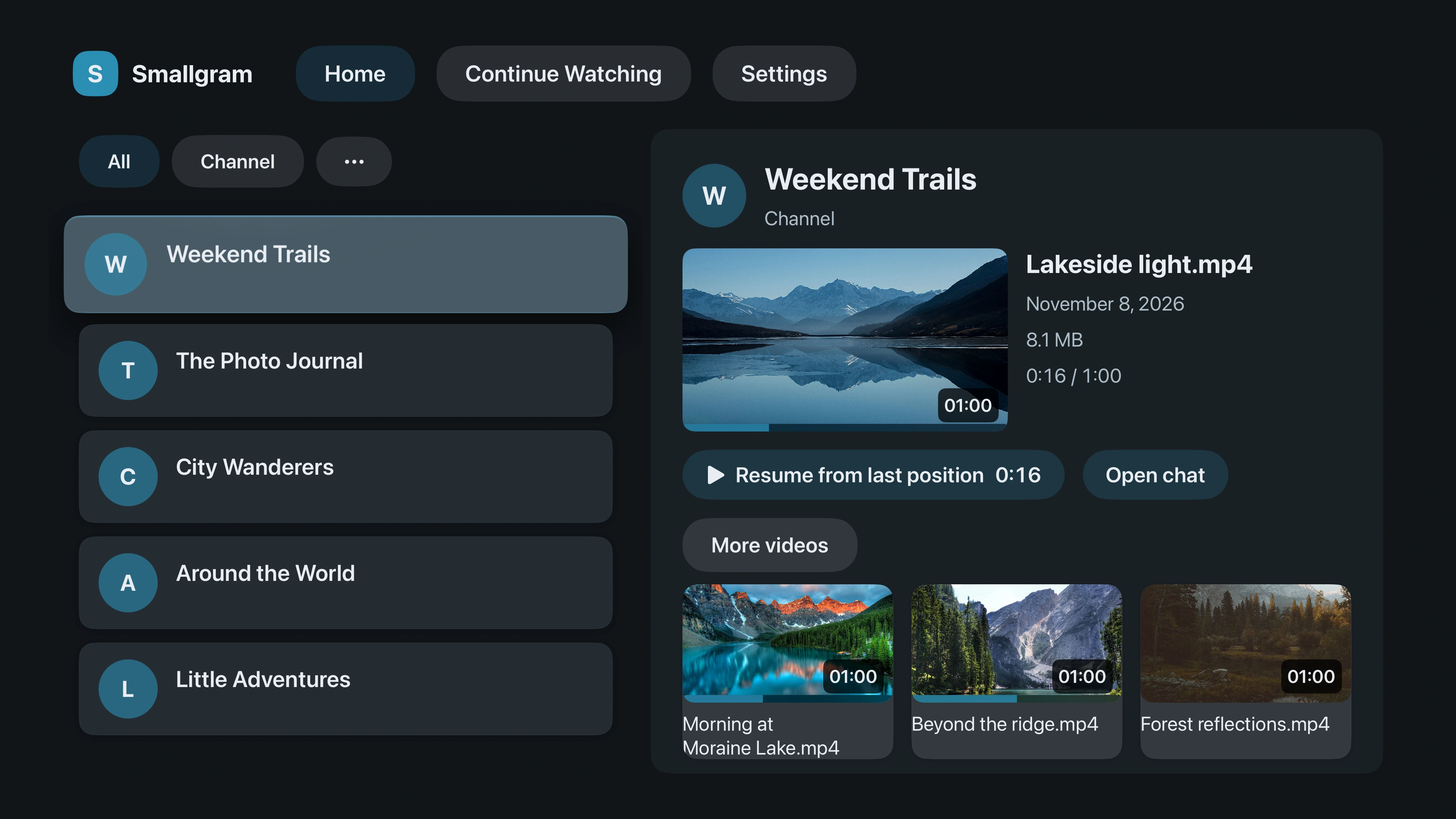
TELEGRAM. A BIGGER PICTURE.
Explore channels, catch up on messages, and watch shared videos. A space for your content, designed for your TV and remote.

Apple TV / tvOS
SMALL REMOTE. BIG POSSIBILITIES.
An experience shaped for television. Not a phone interface stretched to fit.
Browse Telegram channels, groups, and conversations on your television. Move through content with your remote and choose what to open.
Apple TVBrowse videos, photos, and audio by type. Open a media item, see its details, and start watching.
Apple TV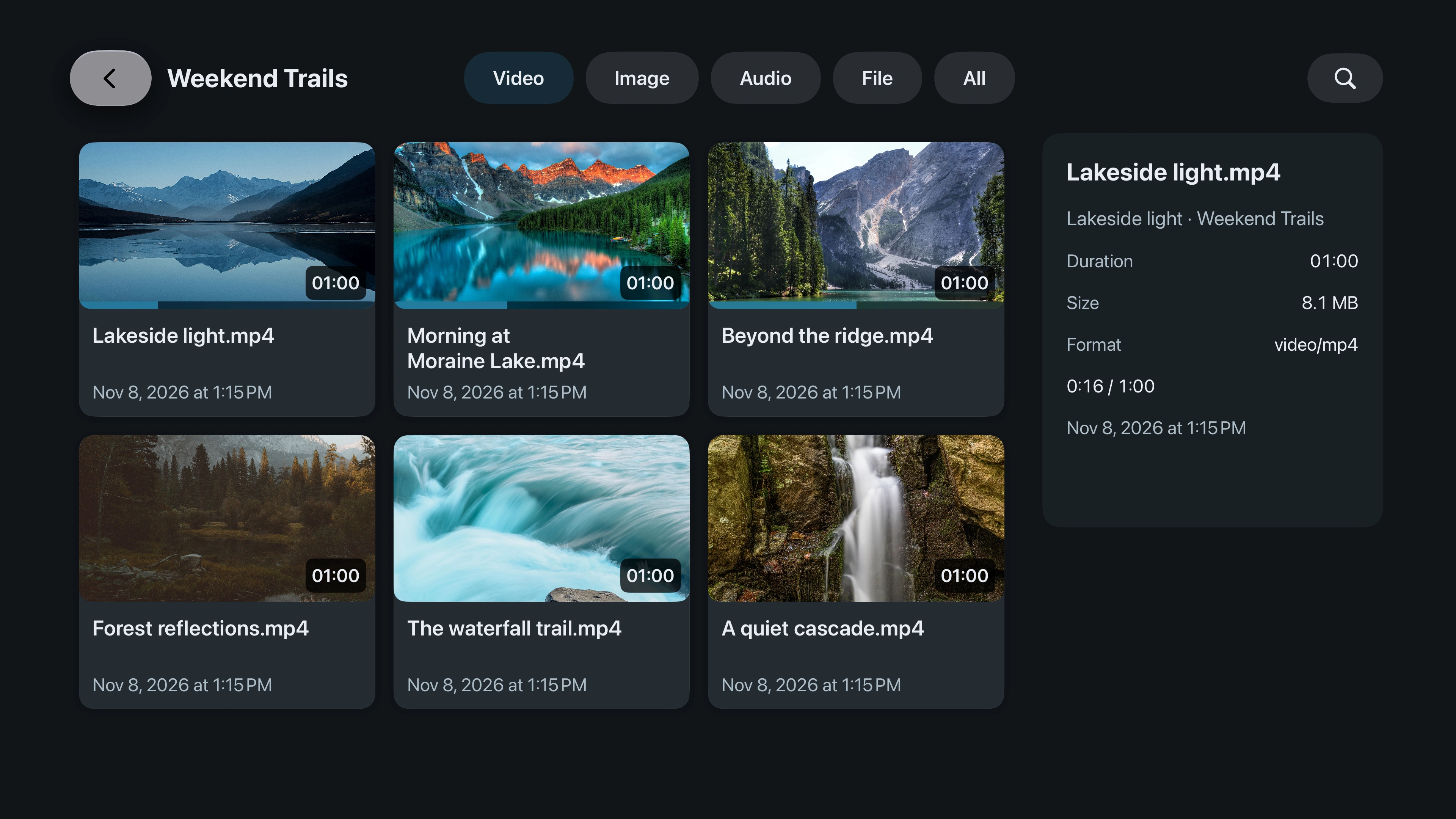
Navigate with directional buttons and select. No touchscreen needed.
Switch between videos, photos, and audio to browse by content type.
Choose subtitles, audio tracks, and playback speed. Available options depend on your media and device.
APPLE TV
For Apple TV, with an interface built for tvOS and its native focus navigation. Get it from the App Store on your Apple TV.
THREE SIMPLE STEPS
Open the store for your TV platform and install the app.
Open the TV app and follow the Telegram sign-in instructions. Never enter your account details or login codes on this website.
Use your remote to explore channels and chats, view photos, or play a video.
No. Smallgram is an independent third-party client using the Telegram API. It is not affiliated with, endorsed by, or acting on behalf of Telegram.
Yes. Follow the instructions inside the TV app to connect your Telegram account. This website does not handle sign-in.
No. Smallgram displays content accessible through your Telegram account. It does not provide a movie library or channel subscriptions.
Refer to your store listing and the app. Each store handles its own purchases and restoration; cross-store access is not promised. Playback also depends on your device and media encoding.
SMALLGRAM / APPLE TV
Choose your platform. Start on your TV.
Availability, compatible devices, and prices are shown in the relevant store.
An independent third-party client. Not affiliated with or endorsed by Telegram.